AI Image to Video Generator
Plan camera movement and framing from one photo.
Planning access only. Live generation and checkout are currently unavailable.
Workflow details
Plan a motion brief from a photo you own: choose the subject action, camera movement and intended crop. Explore the workspace and original concept studies while live generation remains unavailable.
- One reference image
- 9:16, 16:9 and 1:1 workflows
- Downloadable text shot brief
- Live generation currently unavailable
From direction to a reusable setup.
Prepare one clear image
Choose one photo you own or have permission to use, with a readable subject and room around it. Check product labels, edges and lighting before planning motion; unclear source details are harder to assess later.
Separate the movements
Describe one subject action and one camera move in separate sentences, and say what should stay still. A restrained brief makes it easier to spot unwanted changes instead of asking several objects and effects to compete.
Plan the crop
Choose a vertical, landscape or square composition for the intended placement. Leave space for movement and captions added later, and use the ratio table below to check which parts of the source image need to remain visible.
Save the brief and review availability
Use the prompt builder to copy or download your shot brief, then inspect the image-reference workspace. Live generation and checkout are currently unavailable; if rendering opens later, review the enabled model, final settings and credit quote before submitting.
Prepare the brief before rendering becomes available.
These guides explain creative choices and review checks. Live generation and checkout are currently unavailable, and the artwork below illustrates concepts rather than verified video results.
- Shopify product stories
- TikTok Shop concepts
- Beauty product reveals
- Food and beverage motion
How an AI image to video generator workflow uses your photo
The image supplies the starting composition: the subject, its shape, the background and the light. The motion brief describes what should change over time. Separate a subject action, such as a drifting ribbon, from a camera action, such as a slow push-in. Keep the rest of the scene steady so you have clear criteria for reviewing a future result.
“AI images to video generator” can refer to animating individual photos or assembling several images. This SceneVela workflow plans one reference image per shot; it does not promise a multi-image slideshow or automatic scene stitching. If you have no starting photo, use the text-to-video AI workflow to write the scene first. For composition planning, explore the AI image generator workflow.
Looking for a free AI image to video generator?
SceneVela does not currently offer live image-to-video generation or checkout. There is no verified free-generation allowance to claim here. You can read these guides and use the free AI video prompt builder to prepare and download a shot brief; that tool produces text, not a video.
When assessing a generation service, check its current model availability, credit price, output limits and usage terms before submitting an image. A free planning tool or example image is not evidence that video rendering is free.
Video generator from image: choosing an aspect ratio
Plan the crop before adding motion. These ratios appear in SceneVela’s current model catalogue, but all listed models are presently unavailable. They are composition options to plan for, not a promise of an available render. Check the destination’s current requirements before publishing.
| Ratio | Possible placement | What to protect in the image |
|---|---|---|
| 9:16 · vertical | Short-form social or mobile product story | Keep the subject central and leave room above and below for interface overlays and later captions. |
| 16:9 · landscape | Presentation or widescreen product scene | Leave space along the camera’s travel direction; avoid placing essential details at the edge. |
| 1:1 · square | Square product tile or feed concept | Keep the product silhouette readable in a compact crop and reserve any copy space deliberately. |
Changing a frame’s shape does not restore details outside the source photo. Choose a source composition that already accommodates the intended movement and crop.
Four ways to turn a product image into a clearer motion brief
Shopify product stories
Start with a clear packshot and choose one feature to reveal. A slow camera move can give the brief a beginning and an end while the product stays fixed. Specify that the label, dimensions and colour must remain stable, then review those details against the source before using any future output.
TikTok Shop concepts
Plan one immediately readable action in a vertical frame, with space for captions added later. Keep product claims and price text outside the motion prompt so they can be checked during editing. This is a creative planning use case, not a publishing integration or a sales prediction.
Beauty product reveals
Use reflections, a soft light change or a small background movement to describe the reveal. Avoid asking the bottle, label and camera to move independently at once. List label legibility, cap shape and packaging colour as review checks; the concept artwork here is not evidence of model accuracy.
Food and beverage details
Focus on one texture or movement, such as a controlled steam drift, while keeping the pack or dish readable. Use a stable final frame for copy added in an editor. Check any future result for changed ingredients, warped packaging and unintended product claims before use.
Shopify and TikTok names describe possible uses only. SceneVela is independent of these platforms. For a narrower commerce brief, follow the product image to video workflow.
What to know before opening the workspace.
Can I generate a video from my photo on SceneVela now?
Not currently. Live generation and checkout are unavailable. You can explore the workspace, study the example briefs and use the prompt builder to prepare a text brief.
How many source images does this workflow use?
Plan one authorised reference image for one shot. This guide does not promise multi-image stitching, a slideshow or continuity between separate generated shots.
How many free videos can I generate?
There is no verified free-generation allowance while live generation is unavailable. The free prompt builder creates a copyable or downloadable text brief; it does not render video.
Which aspect ratio should I plan for?
Use 9:16 for a vertical composition, 16:9 for a landscape composition or 1:1 for a square composition. These are listed catalogue options, not currently available renders. Choose the crop for your intended placement and check its current requirements before publishing.
What makes a suitable product photo?
Use a clear image you own or are authorised to use, with a readable label, stable product proportions and space for the planned crop. Keep essential details away from the edges and record what must stay unchanged.
What should I write in the motion prompt?
Separate the subject action from the camera move, keep one lighting direction and describe a stable ending. Start with a small movement and list details such as label text and product shape that must be checked in any future output.
Are the example images generated video results?
No. They are original SceneVela concept artwork and planning examples, not customer results or verified live-model outputs. Review any future video against the original image before using it.
Briefs you can inspect and reuse.
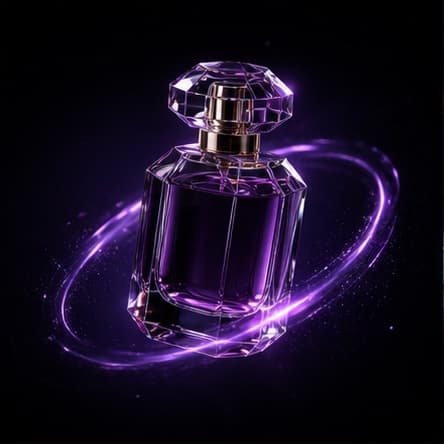 Commercial motion concept
Midnight product orbit
An original SceneVela product study that turns one dark-studio hero frame into a restrained orbit brief.
Read the direction ↗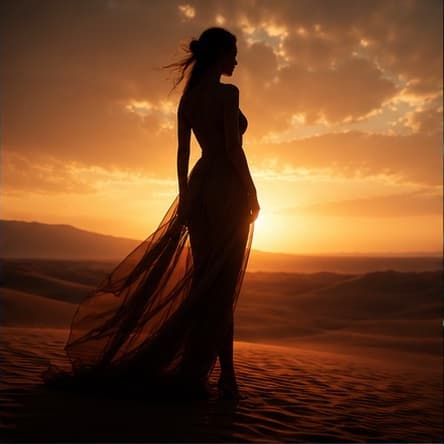 Editorial video direction
Desert editorial motion
An original SceneVela fashion direction built around one anonymous silhouette, natural fabric motion and a stable horizon.
Read the direction ↗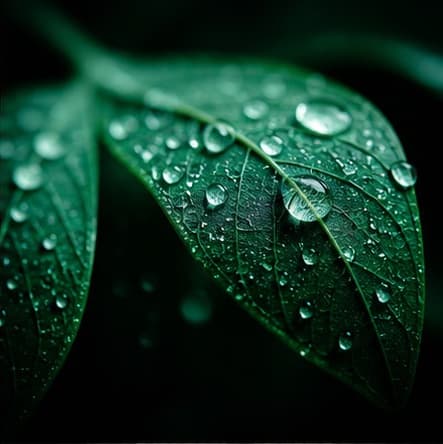 AI image direction
Botanical dew macro
An original SceneVela macro study using leaf texture, silver dew and a restrained emerald lighting palette.
Read the direction ↗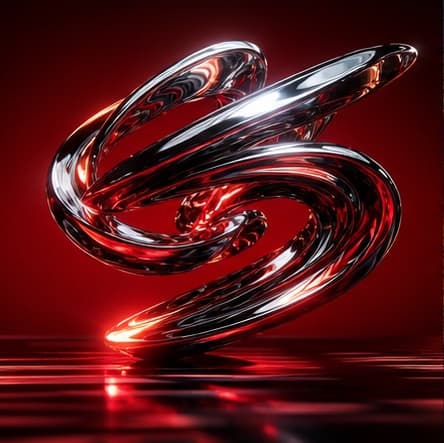 Visual effects direction
Chrome sculpture motion
An original SceneVela motion study for balancing a reflective chrome form, a red studio and one energetic move.
Read the direction ↗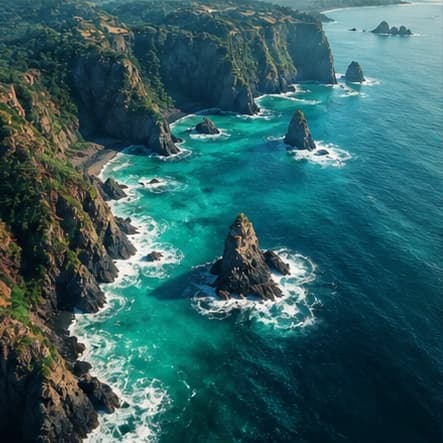 Travel video direction
Coastal aerial tracking
An original SceneVela aerial brief that separates coastline geometry, ocean motion and a single forward tracking path.
Read the direction ↗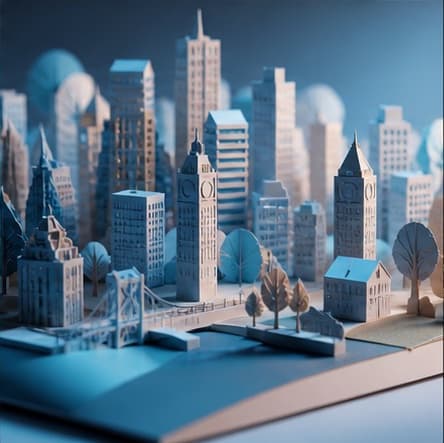 Crafted image direction
Paper city build
An original SceneVela paper-craft study that organises foreground, skyline and gallery lighting into a reusable still brief.
Read the direction ↗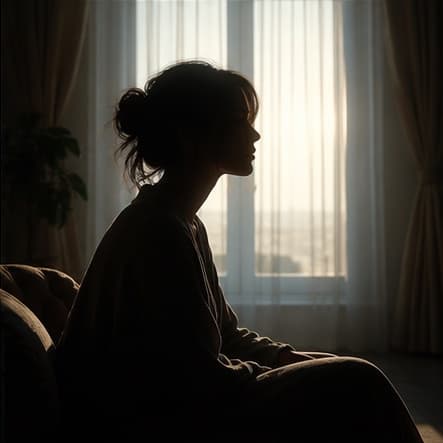 Portrait motion direction
Quiet window portrait
An original SceneVela anonymous-portrait study using subtle breathing, window light and a single slow push-in.
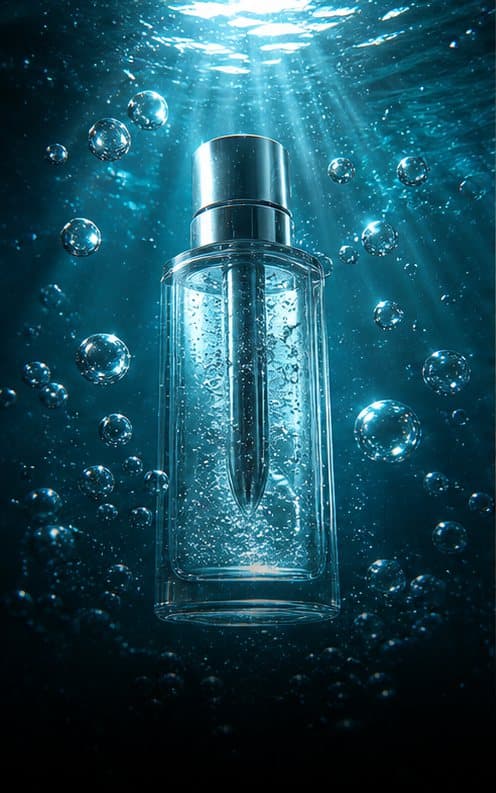
Read the direction ↗Product image directionUnderwater skincare reveal
An original SceneVela concept study for turning a single skincare packshot into a calm, premium motion brief.
Read the direction ↗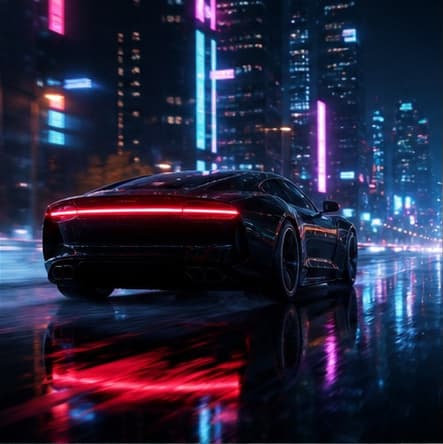 AI video direction
Neon night-drive launch
An original automotive direction that separates camera motion, vehicle motion and environmental detail.
Read the direction ↗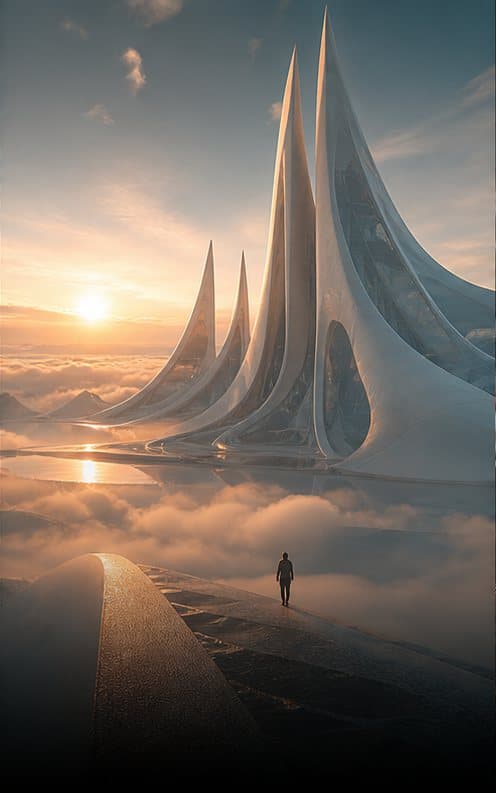 Architectural video direction
Future monument glide
An original SceneVela architectural brief for revealing one sculptural entrance through mist with a measured forward glide.
Read the direction ↗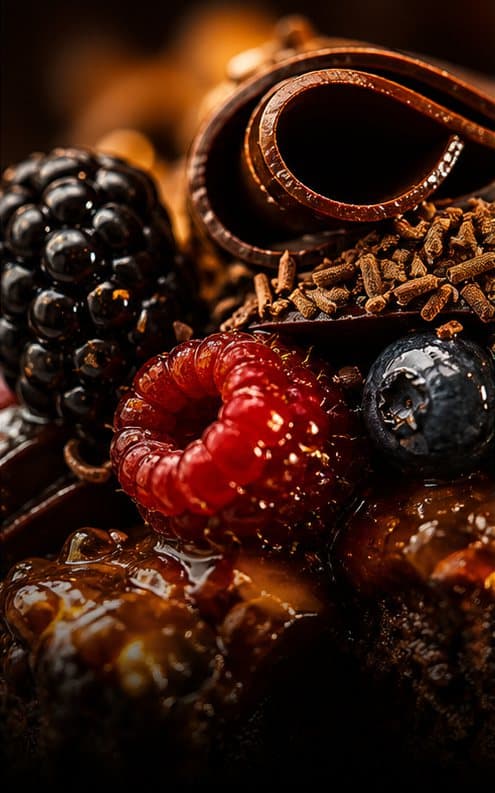 Social commerce concept
Cocoa macro product story
An original macro study for a food or beverage product sequence built from texture, lighting and a restrained camera move.
Read the direction ↗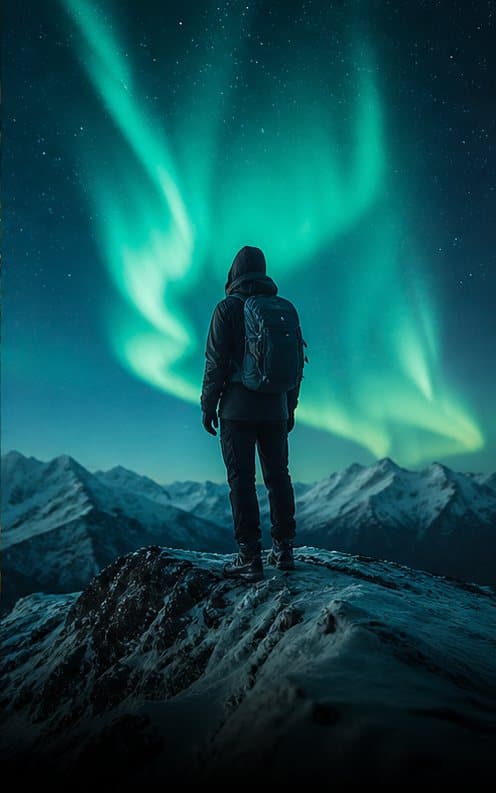 Atmospheric video direction
Aurora ridge motion
An original SceneVela landscape study balancing an anonymous silhouette, a stable snowy ridge and slow aurora movement.
Read the direction ↗See the full workflow before live generation opens.
Explore the workspace and prepare your brief. Live generation and checkout are currently unavailable.